LS Staging

Tag: social media tools

  • Listen to the true voice of your customers – Key Metrics to Track using Social Listening Tools

    Listen to the true voice of your customers – Key Metrics to Track using Social Listening Tools

    All brand marketers want to know – what are our customers thinking about our products, services and our brand? What are they saying about our competitors? What do they like about us? And what do they don’t like?

    Brands no longer have to resort to using conventional surveys and feedback forms to understand customer insights. Social listening has taken over. It helps a brand track, analyze, and respond to conversations customers have about their products/services. Social listening today is a key component of audience research.

    Social Listening is Different from Social Media Monitoring

    Social listening has two major steps. One you have to monitor different social media channels for mentions of your products, services, brands, competitors, and other keywords related to your brand. The second step involves analyzing the information you have collected and taking the right action.

    Social listening is not social media monitoring. In the latter, you collect data and use it for future action. It’s about collecting metrics like number of mentions, and engagement rate. Social listening, on the other hand, is looking beyond the numbers to understand how your customers and potential customers actually feel about your product.

    You try to gauge the social media sentiment regarding your brand and take steps to get it on track. Social listening boosts customer engagement, respond in real-time, tweak your marketing strategy on the go, resolve the pain points of customers in real-time, develop sales leads, identify influencers, generate user-generated data and more.

    Here, in this post, you can find out the top four social listening metrics to track and how to use it to achieve your business goals.

    1. Brand Awareness

    In simple terms, brand awareness measures how familiar your brand is with the target audience. For brand awareness, you have to track the following social listening metrics.

    • Number of mentions – The most straightforward metric – the higher the number of mentions, the more people are aware of your brand.
    • Reach of mentions – This metric shows the number of people who have come across your brand’s mention.
    • Share of voice – This helps you compare your brand’s mentions against that of your competitors.

    Tools like Talkwalker, Brandwatch, and Awario help in tracking mentions of your brand on social media platforms.

    2. Conversion Rate

    This is the ultimate goal of all marketing – you want people to convert into your customers. Use these metrics to determine conversion rates.

    • Engagement – This includes likes, comments, social shares, follows, and direct messages.
    • Number of leads – This includes tracking clicks on your landing page, ad clicks, etc.

    Remember that conversion doesn’t happen quickly. A single like on Instagram doesn’t mean that the customer will make a purchase. It’s a multi-step process, and you need to build trust with your potential customers before you can get them to convert.

    3. Campaign Target

    For your marketing strategies to be successful, you need to have the right audience. Social listening helps you:

    • Research your audience before you launch a marketing campaign
    • Monitor your campaign to ensure that it’s targeting the right audience

    To track campaign targets, you have to measure the following metrics:

    • Demographic data – You can use social listening to find out where your audience is from, the languages they speak, their gender, their occupation, their age groups, interests, and so on.
    • Influencer Analysis – By analyzing the most popular voices in your niche, you can understand more about your target audience – what they like, what appeals to them, who they trust, and so on.

    4. Customer Satisfaction

    Ultimately, all brands want to earn the most revenue, and that’s possible only when customers are happy. This is why you have to evaluate customer satisfaction levels. Social listening helps you collect unbiased customer data about your business. Most people post on social media to either vent or rave about a brand.

    The Sentiment Score metric helps you identify whether a social post about your brand is positive, negative, or neutral. It uses natural language processing to identify the sentiment of a customer post.

    Wrapping Up – Social Listening is a Great Tool if you Track the Right Metrics

    Social listening can help you increase the success of your brand. Make sure to track the right metrics and use this rich data to boost your brand’s performance and profitability.

    For more details about the latest social media monitoring and listening tool, please write to us at social@logicserve.com
  • What Nobody Will Tell You About Twitter Analytics

    The kind of launch and announcements which happened last month, I don’t think we have witnessed anything of this sort in last two years on social media analytics & insights front.

    Twitter native analytics open to all users, Pinterest analytics launch for business accounts and finally Instagram business tool announcement clearly suggest one thing that these big platforms are here to fill the need of much awaited marketers demand i.e. brand communication performance on these platform or as we know it popularly, insights.

    This also indicates how these platforms have changed gears to monetise their property aggressively. It highlights one important trend of recent times that how an image-driven engagement evokes a powerful emotional connections and response among users, growing active users of Pinterest and Instagram, a case in point.

     Dashboard:

    So what is the deal with Twitter’s newly launched analytics and their dashboard. Let’s decipher it.

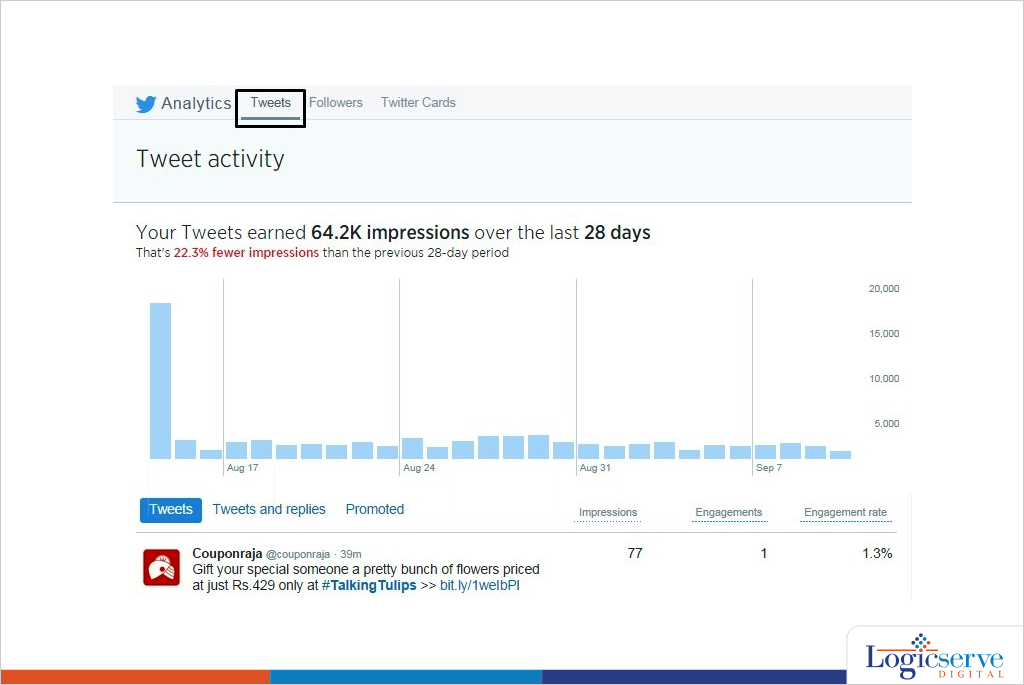
    As soon we land on analytics.twitter.com through our personal or business handle, we are welcomed by a dashboard mixed with graphs, stats and different menu tabs on top.

    Twitter_Dashboard @LogicserveDigi

    Tweets:

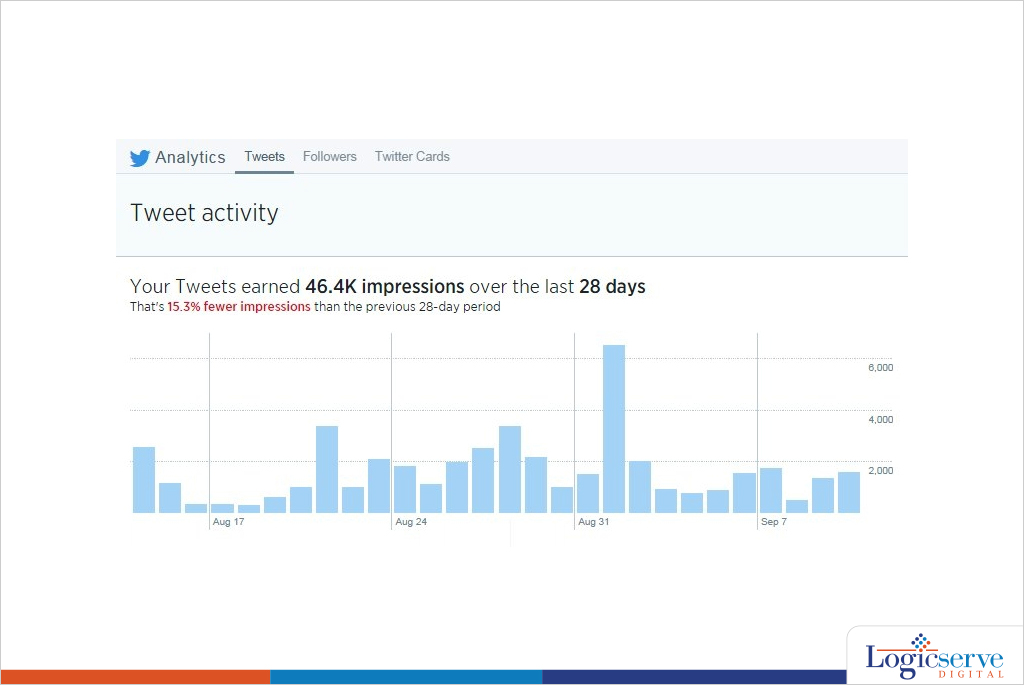
    The first option on top is Tweets which shows all the recent tweets with their Impressions, Engagements & Engagement rates.

    Tweets is further subdivided into ‘Tweets and replies’ & Promoted tweets (tweets used for paid campaign)

    Tweets---1 @LogicserveDigi

    Decoding Impressions & Engagement:

    Impressions is defined here as ‘Number of times users saw the Tweet on Twitter’, Engagement here is ‘Total number of times user has interacted with a tweet. This includes all clicks anywhere on the tweet (including hashtags, links, avatar, username and Tweet expansion), retweets, replies, follows and favorites. Engagement rate is the number of engagements divided by total no. of impressions.

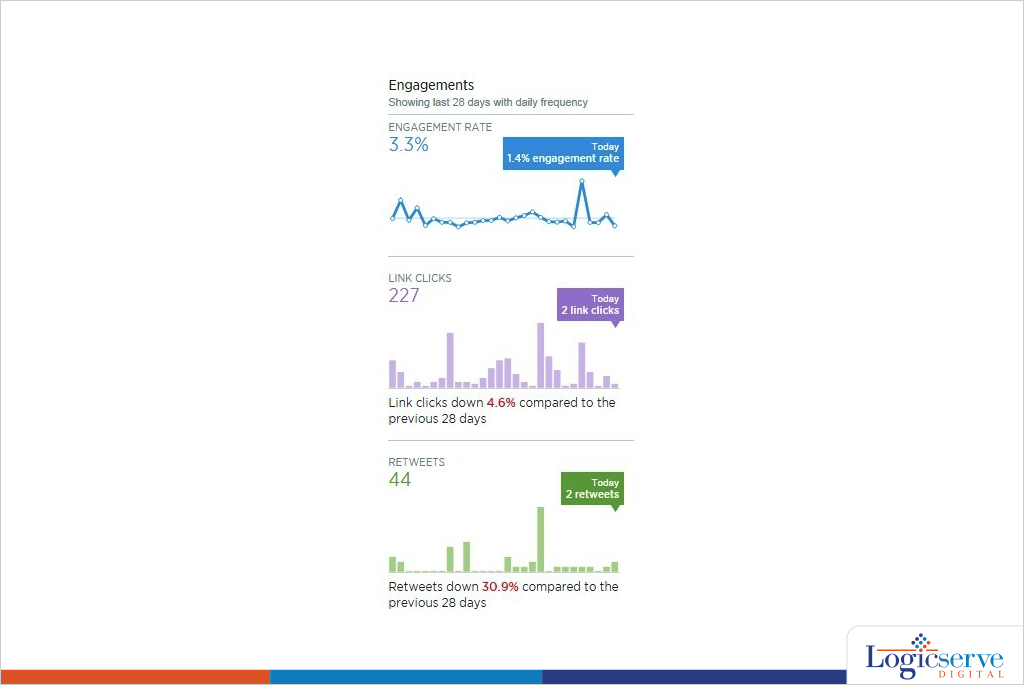
    The right hand side column showcases impressions, engagement rate, link clicks, retweets, favorites and replies calculating average over a period 28 days.

    28-days_average @LogicserveDigi

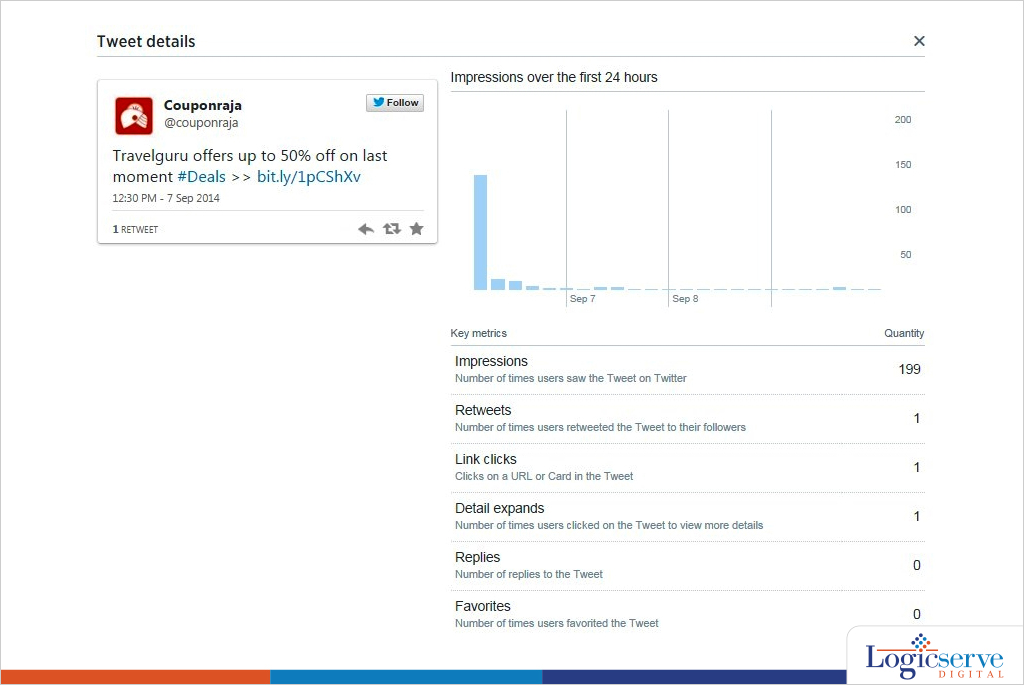
    One of the things in this dashboard which I really liked was when you click on the tweet data it throws up a pop-up info which dissects how the tweet has performed. It shows details like Impression graph, User Profile Clicks, Details Expand, ReTweets, Favorites & Replies.

    Tweet_details @LogicserveDigi


    The “Tweets” menu on the top also gives the insights on how to maximise the brand’s presence in the platform. Alongside it also plays a vital role whenever you create  your next Twitter strategy.

    Through this feature you can know :

    Best time to post your tweet: The no. of impressions could tell us, the most appropriate time to tweet.

    Content: Going by engagement rate we can differentiate a good content from a bad one. It would also tell which ‘type’ of content (image, text, video, link, vine) works better.

    Followers:

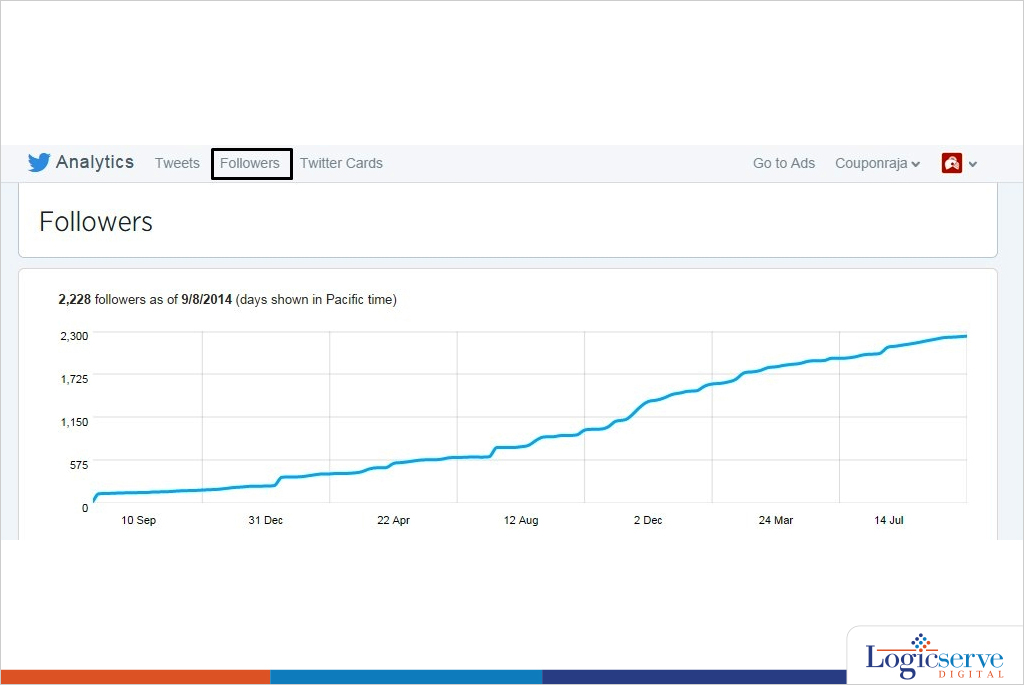
    Second option on top menu is Followers

    Followers-1 @LogicserveDigi

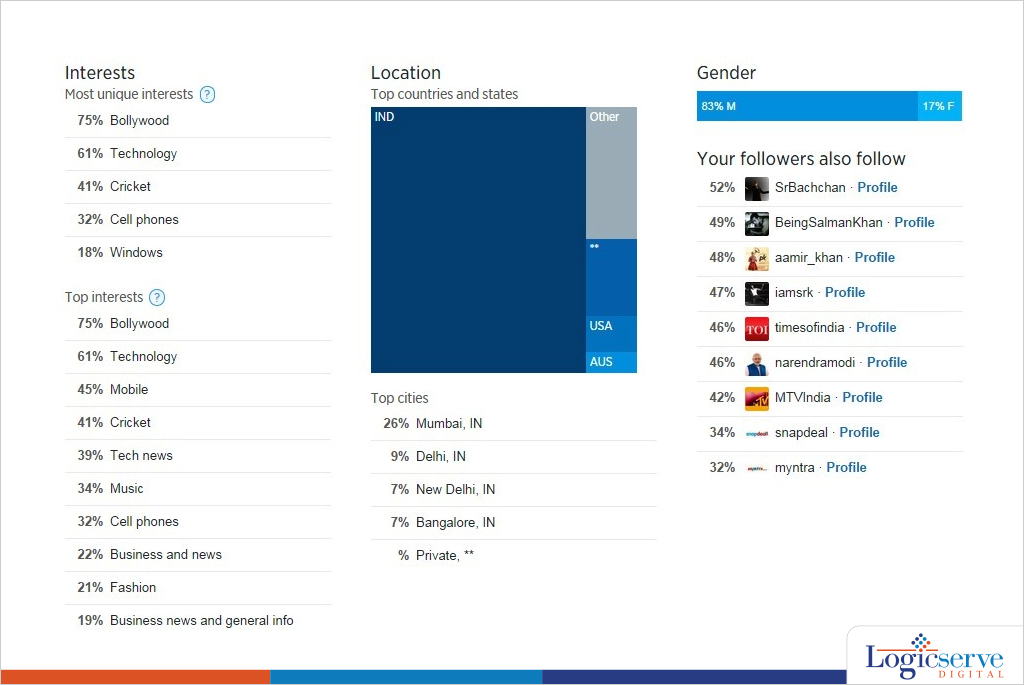
    Followers give a very good insight about the user base of the twitter handle.

    Some of the key things in these features:

    Graphs with followers gained over a period of two years.

    • Interests (The top 5 most unique interests of your followers)
    • Top 10 interests

    Location graph with top cities

    Gender Segregation

    • Top Profiles of users with ‘Your followers also follow’

    Followers-2 @LogicserveDigi

    Twitter Cards:

    This is the last option on top menu.

    Twitter card analytics feature is to track the paid promotion which includes URL Clicks, App Install Attempts data & Retweets.

    Overall, twitter analytics is by far one of the most simple & comprehensible dashboard. With Twitter ‘Buy’ button coming in picture this would be an integral to track transactions.


    Previous Post: Google Authorship May be Dead, But, You are Still Writing. Aren’t You?

  • Top 10 Social Media Tools

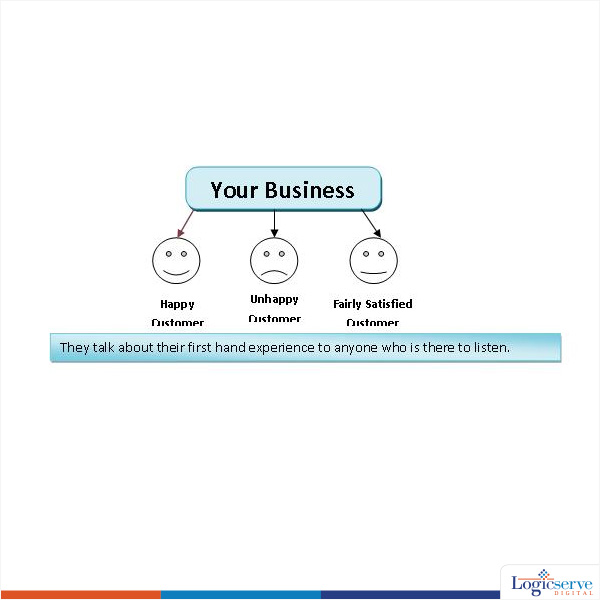
    Man is a social being. Also the reason why always want to share “Hey this happened to me!!” at every available opportunity. Now, put these two together, what do we get?

    2

    Depending on their experience, you could either gain or lose a potential client. We don’t want to lose clients, do we? Even with an unhappy customer, it would be nice if he shared an objective perspective and not an emotional perspective. But then, people are people, and that’s how they share experiences.

    The trick here is to engage your customers and potentials in a healthy way. The idea is to have your customers become brand ambassadors and generate more business for you. But, how do we go about doing this?

    Social platforms like Facebook, Twitter, Reddit, Blog comments, Linkedin, Quora (..oh.. the list is endless…) provide ample space/opportunity for a healthy discussion. But, is it possible to login to each one of them…and be online at all times… at all of these sites? I guess not. Logistics apart, such an act will leave you no time to actually conduct your business… not a productive way..eh!

    Enter Social Media Tools.

    Social Media tools are utilities that allow you to manage multiple social media activities via a unified dashboard.

    Here we have our 10 best Social Media Tools, under 5 categories. You can see that some features look similar. But they are not the same. Each tool has its strength, and hence its placed under the chosen category. Some are free, some are paid tools… but offer free-trial-version for you to explore and evaluate.

    1. DASHBOARD UTILITIES

    Every management tool comes with a dashboard, but that is besides the point here. These tools exclusively help you track your social media activities from a single unified dashboard. By linking to your multiple social media accounts, they allow you to set up schedules on…

    When you want to post (date –time)

    • Where you want to post (Facebook/twitter/Linkedin etc)
    • What you want to post (text/link/pictures etc)

    2. ANALYTICAL UTILITIES

    It is just not enough to get “info / data” by listening to social media chatter. Such an exercise bears fruit only when you are able to convert this information into something actionable…. Actionable enough for your brand / company to (re)act accordingly. These tools allow you to make sense out of raw data and give you an insight into why a certain strategy works (or tanks).

     3. SOCIAL MEDIA TRACKING TOOLS

     Social Media is all about sharing. The more useful AND relevant your information is, more likely it will be shared by others in your network…and in their network…and in their network.

    See my point… it gets re-shared. In other words, it goes viral.

    Wouldn’t it be nice to keep track of all these sharing? May be you want to thank a person or two? May be you would want to by the fella a drink? And, this my friend is getting social, and engaging your loyal followers. Keep them in good spirits, you just won yourself a brand ambassador for life.

     4. PUBLISHING TOOLS

     Content is King. PERIOD.

    But, you need to get the right content reach the right kind of users. An article about upcoming art exhibition is absolutely useless to plumbing company but immensely priceless to artists and art-enthusiasts.

    These tools help create custom lists to who you can publish your content (as an email newsletter). The information reaches only to those whom it might matter the most.

     5. LINK TRACKING TOOLS

     Social Media is all about links-links-and more links to meaningful/useful content.

    Best way to engage your networks is by being short and to the point. But there is only so much you can say with so little words, and would need a more descriptive way to convey your point. This is made easy by linking your social media message to a link (a.k.a Content source).

    These tools help you track the performace of your links. This is vital in understanding the demographic for your network and come with a more targeted list.


    DASHBOARD UTITLITES

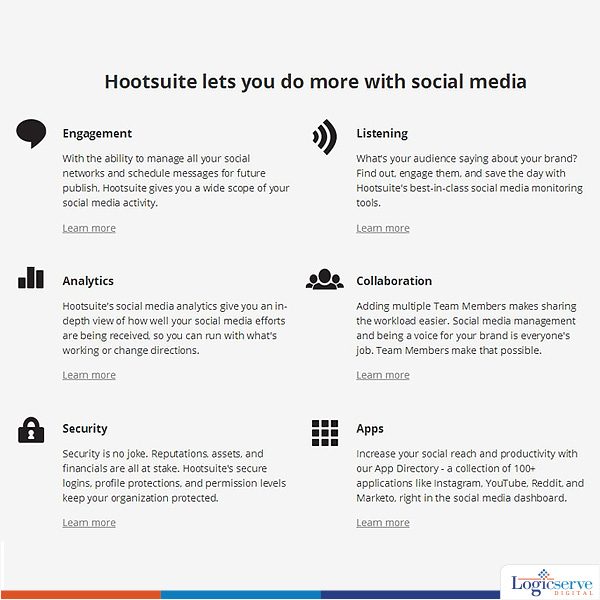
    Hootsuite
    Hootsuite
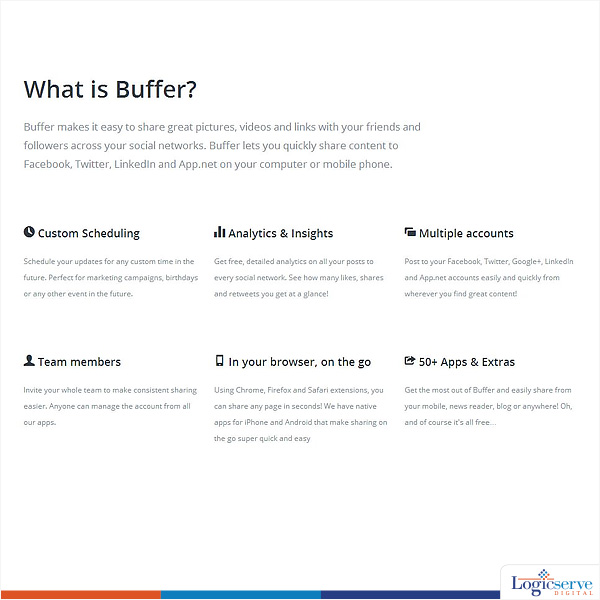
    Buffer
    Buffer


    ANALYTICAL UTILITIES

    Google Analytics
    Google Analytics
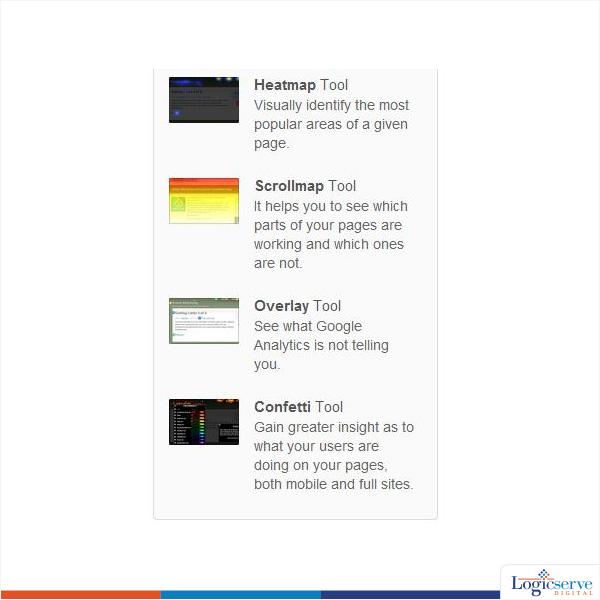
    Crazy Egg
    Crazy Egg


    SOCIAL MEDIA TRACKING TOOLS

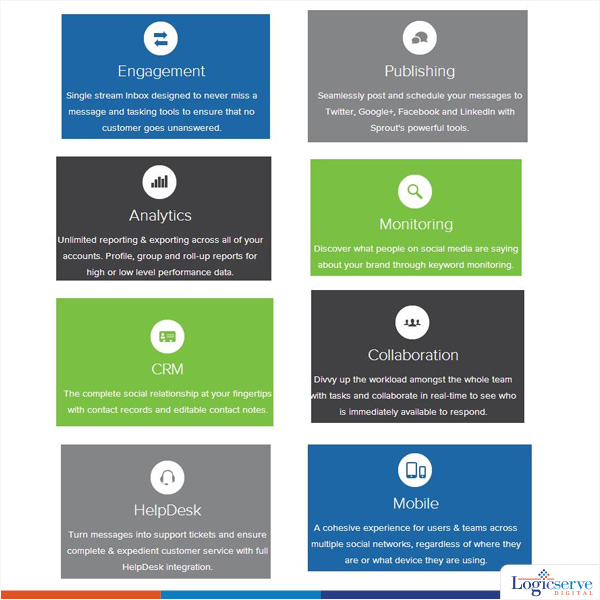
    Sprout Social
    Sprout Social
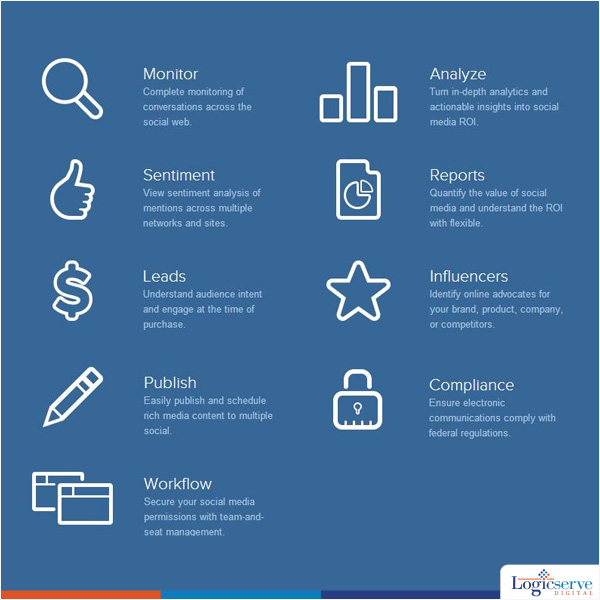
    Viral heat
    Viral heat


    PUBLISHING TOOLS

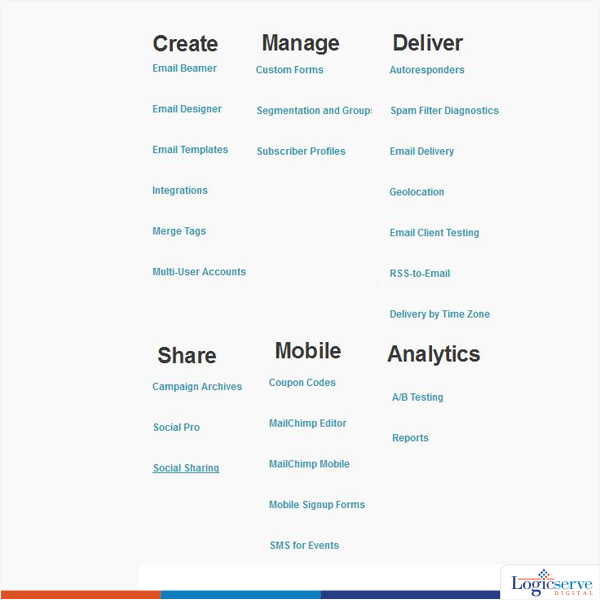
    Mail Chimp
    Mail Chimp
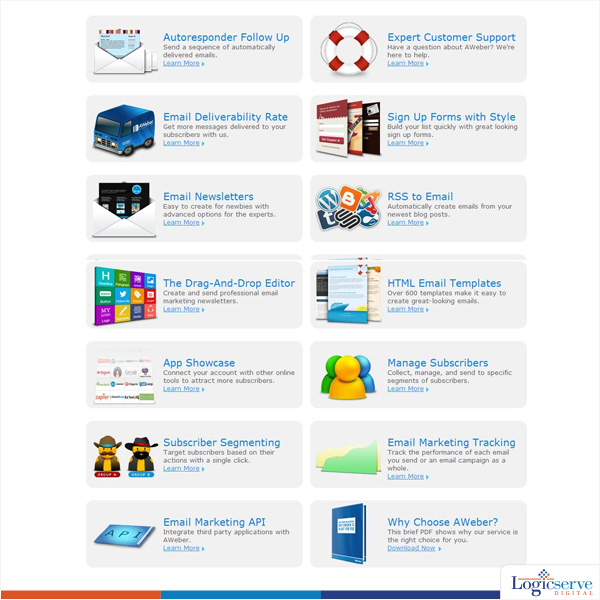
    Aweber
    Aweber


    LINK TRACKING TOOLS

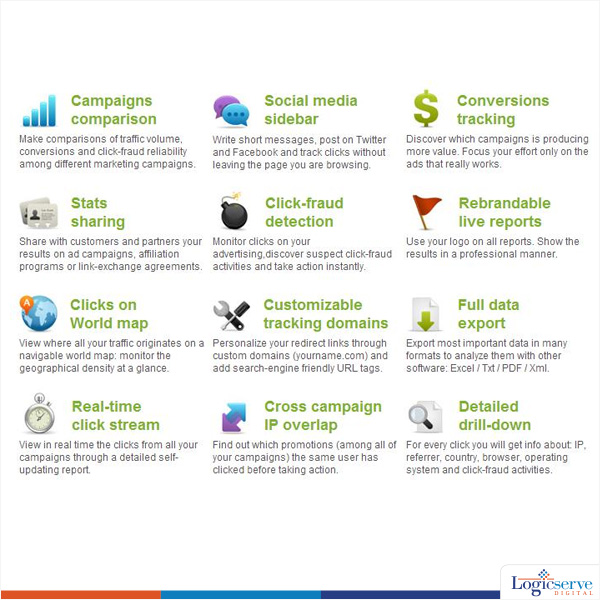
    ClickMeter
    ClickMeter
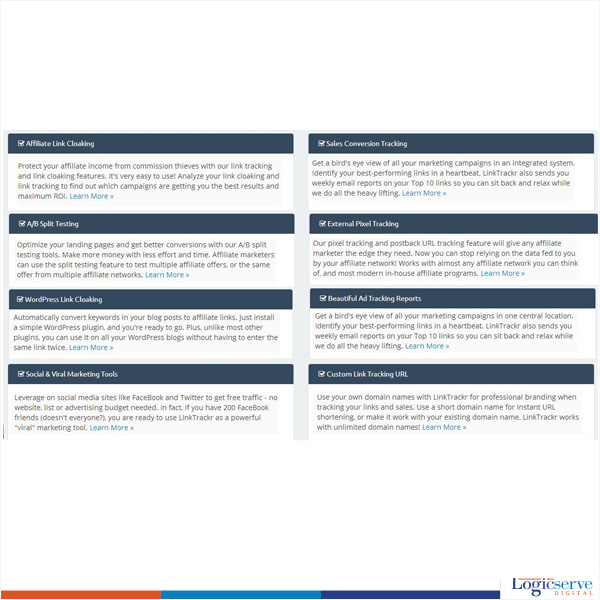
    LinkTracker
    LinkTracker


    LogicSpeak:

    Everyone is interested to know what the other person has to offer, but downright dislikes a sales-pitch. So use your social media interactions wisely.

    With Social media – LESS is MORE.

    Previous Post: What You Need to Know About Creating and Scaling Quality Content